Pictures UI Creator - RPG Maker MV/MZ plugin
Video Tutorial: Create a Character Selection menu
This tutorials shows you how to create a character selection menu using Pictures UI Creator.
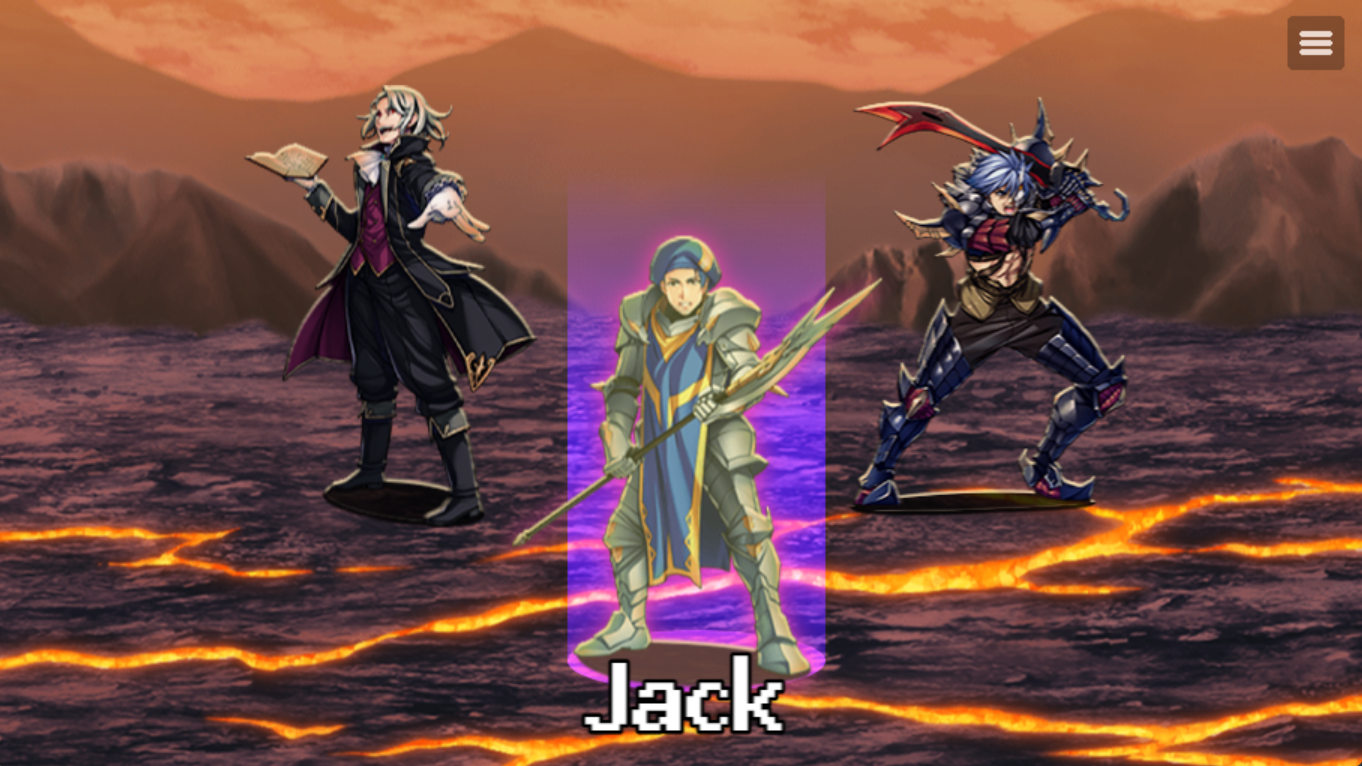
This tutorials shows you how to create a character selection menu using Pictures UI Creator.
Comments
Log in with itch.io to leave a comment.
Can you call any status scene with this and change it?
What do you mean status scene in character selection? If you want to display stats if each character then you can do that via show text window+ rpg maker expression.
Any scene in the game. Equip, skill, ect.
Nope. It doesn't allow to create scene equip etc just yet. For default rpg maker scenes, it only supports creating inventory scene and non traditional rpg maker ui.